

Laser vs Thermal Slide Printing: Which Technology Fits Your Pathology Lab?
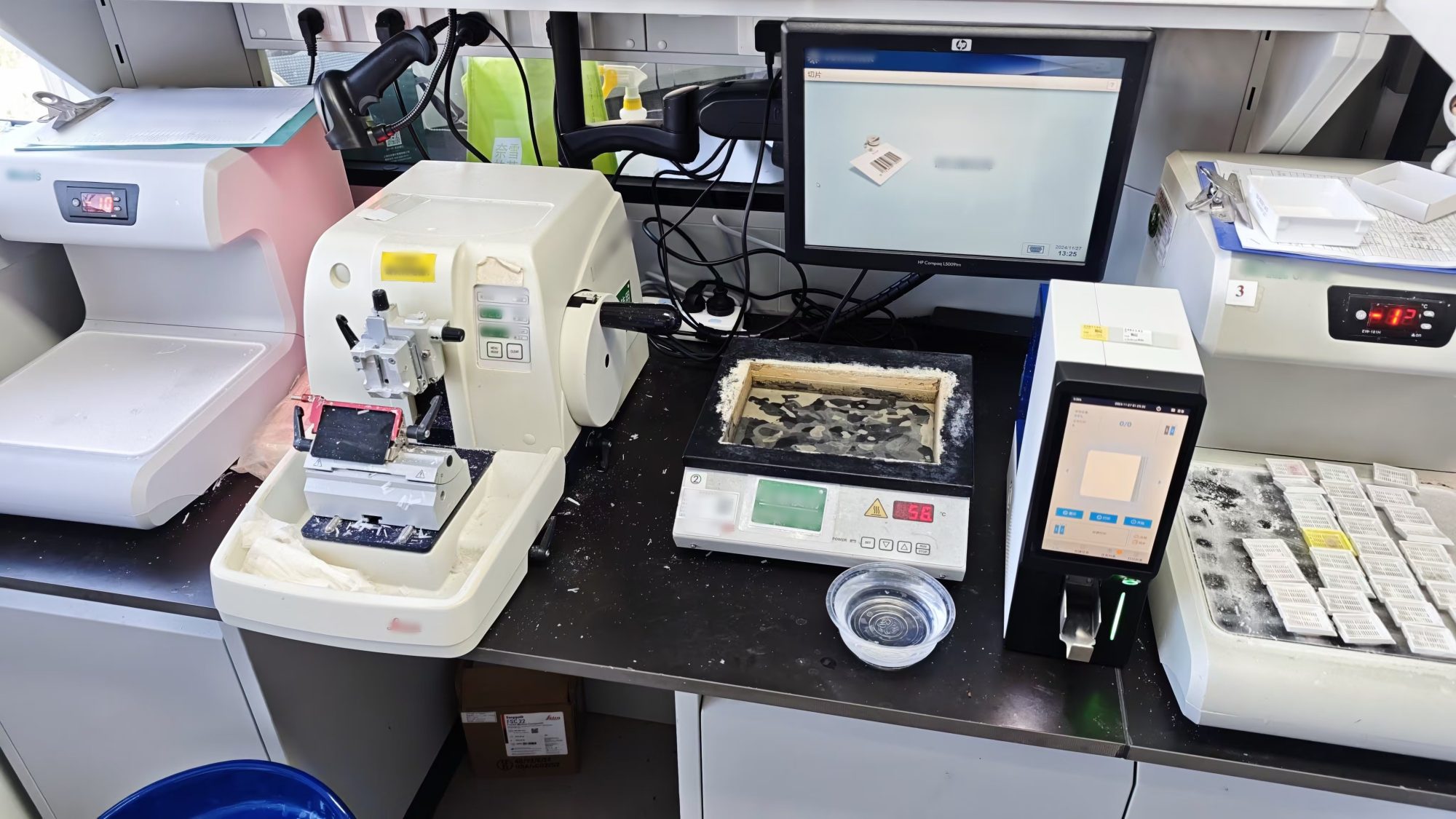
Slide labeling printers are standard equipment in pathology labs. Laser slide printers deliver excellent performance in terms of average printing speed, print resolution, wear and chemical resistance, slide loading capacity, printing stability, as well as cost and consumable requirements. Thermal transfer slide printers produce high-resolution prints and work particularly well with coated color slides. They generate no waste or dust during operation, making them ideal for workstation-side deployment.
Two technologies dominate modern laboratories: UV laser engraving and thermal transfer printing. They differ significantly in marking durability, consumable costs, maintenance, sample throughput and compliance requirements. Neither is universally superior. Selection should be based on laboratory scale, sample types, budget and long-term archiving requirements.
Laser and thermal transfer slide marking technologies each have distinct advantages. The decision is not merely a matter of performance comparison; it requires trade-offs aligned with your lab’s actual workflow.
Below is an analysis of core differences and applicable scenarios:
Core advantages: Fast printing speed, high definition, scratch and chemical-resistant text; no consumables such as ribbons, resulting in lower long-term operating costs.
Operation principle: Non-contact laser marking directly forms images on the photosensitive coating of slides. No curing time is required after printing.
Best suited for: Laboratories with high daily print volumes, demand for optimal total cost of ownership over the product lifecycle, and strict requirements for printing speed and resolution.
Thermal Transfer Printing
Core advantages: Prints dry instantly; finished slides can be immersed in water immediately without smudging. No thermal damage or deformation to slide surfaces. No gas or dust is produced during printing.
Operation principle: Contact printing, where pigment from the ribbon coating is thermally transferred onto the slide coating.
Best suited for: Laboratories with moderate daily output, a preference for low upfront capital expenditure, or labs with existing thermal transfer consumable supply chains.
An overview of slide labeling printers by technology
Labsim offers a range of high-performance laser slide printers including the G306U Slide Laser Printer, G364P Slide Laser Printer and G364D Slide Laser Printer.
- Printed characters resist a wide range of laboratory chemicals; waterproof, scratch-resistant and fade-resistant, suitable for long-term storage and archiving management.
- Supports end-to-end sample traceability, reducing risks of missing, incorrect or mislabeled specimens.
- Compact footprint for seamless workflow integration. Easily fits into existing grossing and histology workstations.
- Flexible integration options: Windows driver, PrintNet folder, serial, Wi‑Fi or Ethernet connection.
- Multi-language interface available, including English, Spanish, Arabic, French, Korean and Turkish.
- Clear printed text with resistance to corrosion by xylene, alcohol and other solvents.
- Two output collection accessories for flexible switching between collection modes.
- Independent all-in-one design, supports standalone printing with no external computer required.
- System compatibility: LIS / HIS / PIS / PACS and other commonly used hospital information systems.
- Dual loading slots and dual output slots with independent operation. One machine can be operated by two technicians simultaneously.
- Independent dual-slot loading for parallel management of two slide types. Standard slides can be loaded in each slot separately. Routine paraffin slides and IHC/cytology slides may be loaded at the same time. Templates can be retrieved separately by slot, eliminating frequent slide replacement and preventing sample mix-ups.
- Priority emergency printing support: urgent samples can be processed mid-batch without pausing or emptying the magazine, accelerating response for pathology emergency cases.
- High-capacity continuous feeding: each slot holds up to 100 slides. Slides can be refilled during printing to minimize downtime, ideal for high-throughput pathology departments.
- Dual output collection slots: printed slides are sorted separately to avoid sample confusion and facilitate subsequent staining and archiving.
Labsim thermal transfer slide printers are mature, widely used devices in hospital pathology departments and laboratories with reliable overall performance. They are especially suitable for scenarios requiring corrosion-resistant markings. Using non-fading black thermal transfer ribbons, markings feature strong corrosion resistance and remain intact after 15 minutes of immersion in anhydrous alcohol or xylene, fully meeting the requirements of subsequent staining and deparaffinization workflows in pathology labs.
Designed for efficient pathology workflows, the LABSIM G306 combines precise printing, compact integration, flexible connectivity and broad consumable compatibility.
- Preferred equipment for high-precision printing on color slides.
- Compact footprint for seamless workflow integration. Easily fits into existing grossing and histology workstations.
- Flexible integration options: Windows driver, PrintNet folder, serial, Wi-Fi or Ethernet connection.
- Broad compatibility with standard consumables. Supports standard embedding cassettes and microscope slides.
Easy to integrate and simple to deploy, the G306 helps laboratories build smoother and more efficient pathology printing workflows.
How to select the right printer for your laboratory
- Daily print volume: For high daily output, laser printing delivers greater advantages in speed and consumable savings. For low-volume labs, thermal transfer offers lower upfront investment and meets basic requirements.
2. Workflow: If slides undergo immediate downstream processing such as immersion after printing, thermal transfer’s instant-dry property provides greater convenience. Laser printing remains stable if a waiting period is built into the workflow.
3. Long-term cost: Laser printers have almost no recurring consumable costs but require higher initial capital outlay. Thermal transfer printers are less expensive to purchase, yet ribbons represent ongoing expenditure. The higher the annual print volume, the more prominent the total cost advantage of laser systems.
4. Slide compatibility: Both technologies require matched microscope slides, which should be verified at the time of procurement. Standard pathology slides are mature and stable. Key performance considerations include anti-drop coating adhesion, uniform thickness, edge safety, and improved integration with digital pathology systems.
The Role of Slide Labeling Printers in Pathology Laboratories
Slide labeling printers serve pathology laboratories primarily to replace manual handwritten marking. By printing text, barcodes and other identifiers, they create stable, accurate and traceable specimen IDs for microscope slides. These devices directly address the pain points of handwritten labels, such as fading, sample mix-ups and poor traceability, forming an essential foundation for accurate pathological diagnosis and full-process specimen tracking.
Specifically, they deliver the following key functions:
1. Improve marking accuracy and traceability
Chemically resistant printed barcodes enable seamless connection with the Laboratory Information System (LIS). Specimens can be tracked by scanning throughout reception, processing, diagnosis and archiving, preventing misidentification.
2. Compatibility with histopathological workflows
Specially formulated inks withstand corrosion from xylene, formalin, alcohol and other reagents, as well as physical abrasion. Markings remain intact without fading or peeling during staining, dehydration and long-term specimen archiving.
3. Boost productivity and standardization
Batch printing replaces tedious manual handwriting and label application. It reduces labor workload, standardizes slide labeling across the lab and minimizes human errors.
Labsim Slide Printer and Tissue Cassette Laser Printer Print without intergration headaches. Connect via Windows driver, PrintNet folder, serial, Wi‑Fi, or Ethernet.